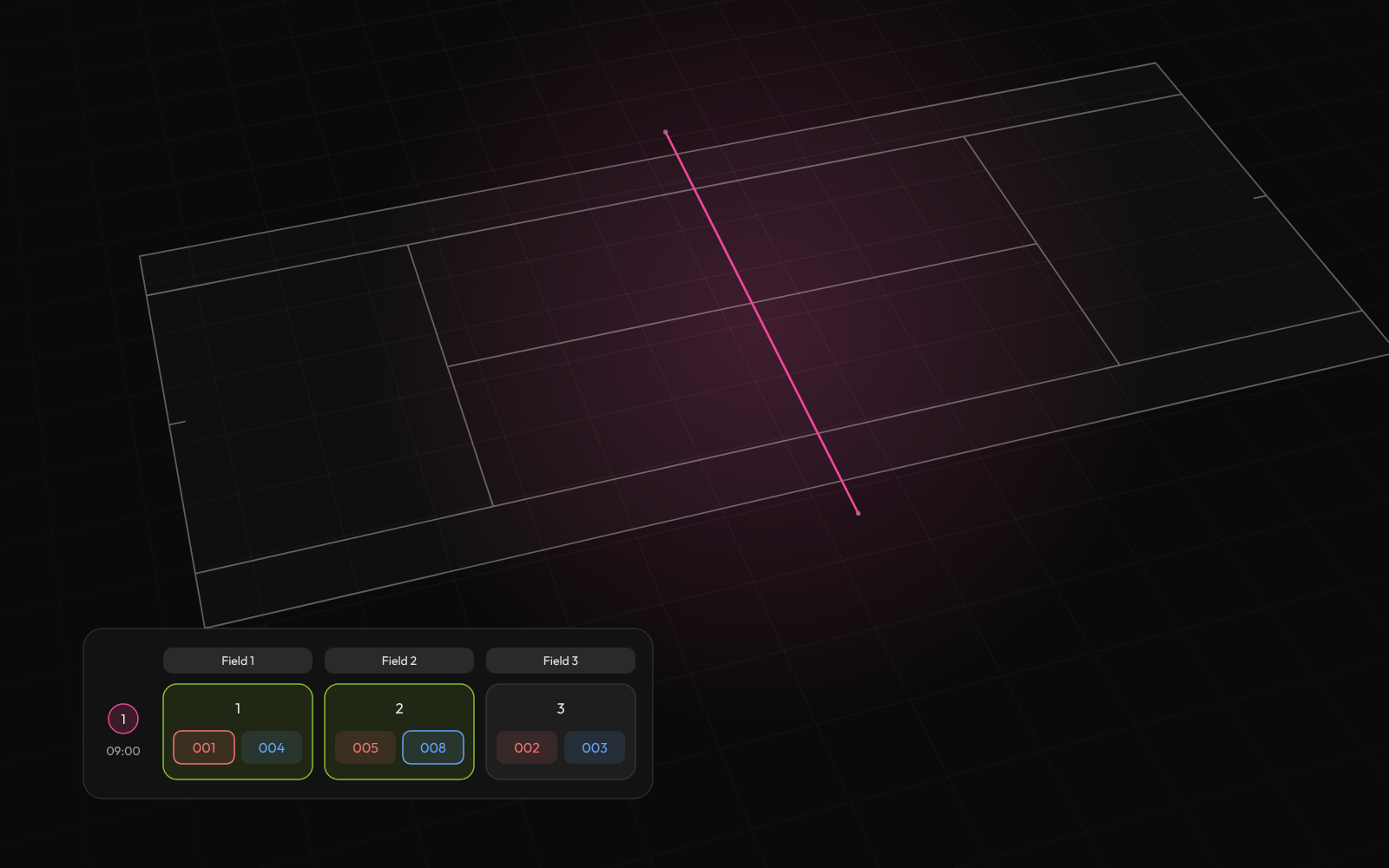
Build the whole schedule
Add your teams, groups and courts. Tournamyx puts every match on a court, one round at a time.
Tennis lives and dies on the draw: seeds spread across quarters, byes on the top seeds, and a schedule that respects the fact one player might play three matches in a day. Tournamyx builds it and keeps it live.
Free for up to 8 players · $12 per event beyond that · Nothing to install
For tennis organizers running club draws and junior events
We built Tournamyx for tennis organizers in exactly this situation.
Field guide · tennis organizers
A tennis draw is a single elimination bracket with strict conventions about where people go. Seeds are separated so the top two cannot meet before the final and the top four cannot meet before the semi-finals. In a 32-draw that means seed 1 at the top, seed 2 at the bottom, seeds 3 and 4 heading the middle quarters, and 5 to 8 heading the remaining eighths. Byes go to the seeds, in order, until the draw is full.
This is the part hand-drawn sheets get wrong, and the failure is invisible until the weekend. Seed only the first-round pairings and leave the rest to chance and you can put your two strongest players in the same half, so the best match of the event happens in a semi-final on Saturday and the final is flat. Everyone feels it and nobody can name the cause.
The bracket generator applies standard seeding from the order you enter players, and places byes on the top seeds automatically. A 24-entry draw sits in a 32 frame with eight byes; a 20-entry draw takes twelve. The 20 team bracket and 32 team bracket pages state the exact numbers for those sizes.
Draw size, matches and byes
| Entries | Draw size | Matches | Byes | Rounds |
|---|---|---|---|---|
| 8 | 8 | 7 | 0 | 3 |
| 12 | 16 | 11 | 4 | 4 |
| 16 | 16 | 15 | 0 | 4 |
| 20 | 32 | 19 | 12 | 5 |
| 32 | 32 | 31 | 0 | 5 |
Most tournament scheduling optimises for court utilisation: keep every court busy, finish early. Tennis is the sport where that is the wrong objective, because the same person plays several matches in a day and a court-optimal schedule will happily send them straight from a three-set match onto the next court.
The constraint that matters is rest between matches for the same player, and it binds hardest late in the day when the remaining players are the ones who have played the most. A 32-draw on four courts is nine rounds of court-time at best-of-three sets, or around thirteen hours, which is a two-day event whatever you do to the courts. Shorten the sets and the same draw is under seven hours and fits a single long day.
The tournament schedule maker allocates matches across your real court count a round at a time, and the public schedule shows every player their own next match rather than a wall of fixtures. That is the number that actually drops: how many people ask the desk what is happening on court four.
Two gaps to know about before you commit an event. Tournamyx records match results and standings. It does not keep a point-by-point or game-by-game live scoreboard, so if what you want is a live 40–30 on a public screen, this is not that product.
The second is the back draw. Feed-in consolation, where first-round losers drop into a secondary draw played for its own placings, is standard in junior tennis and Tournamyx does not run it. What it does run is double elimination: a first loss drops a player into a losers bracket that leads back to the final, so nobody goes home after one match. But the second draw is a route to the title rather than a separate consolation event, and the two are not interchangeable if your rules specify a back draw.
What does work is the main draw run properly: seeds spread, byes placed, matches allocated to real courts, results entered from any phone at the desk or courtside, and one public link that parents and players open without an account. If your event is a straight draw plus a schedule, that covers it. If it needs a true consolation bracket, better to know now.
Questions
Tournamyx builds a knockout draw from your entry list, placing byes automatically on the top seeds when the entry count is not a power of two. Twenty-four entries go into a 32 draw with 8 byes and 23 matches; 48 entries go into a 64 draw with 16 byes and 47 matches.
A knockout draw of any size is always entries minus one match: a 32 draw is 31 matches over 5 rounds, a 64 draw is 63 over 6. Byes are the draw size minus the entries, and Tournamyx places them on the top seeds so the strongest players enter in round two.
Tournamyx lays the draw out a round at a time across the court count you enter, so a round cannot double-book a player. There is no rest-gap rule and no awareness across separate tournaments, so a player entered in singles and doubles has to be sequenced by you.
Yes. Tournamyx is free for tennis draws of up to 8 players per tournament with unlimited tournaments and no credit card. Plus is $19 per month for 64 players, and the bracket generator at tournamyx.com/tournament-bracket-generator runs in the browser with no account.
The comparison
Every match day brings the same questions. Answer them one message at a time, or send one link that answers them for you.
What it handles
Tournament management software earns its place on match day, when a team drops out, a match runs late or a score is wrong.
Add your teams, groups and courts. Tournamyx puts every match on a court, one round at a time.
Round robin, knockout, Swiss, groups into knockout, timed attempts.
Points, tiebreakers, draws and who goes through. Every stage can be different.
Case study · IIUMRC, Jul 2025
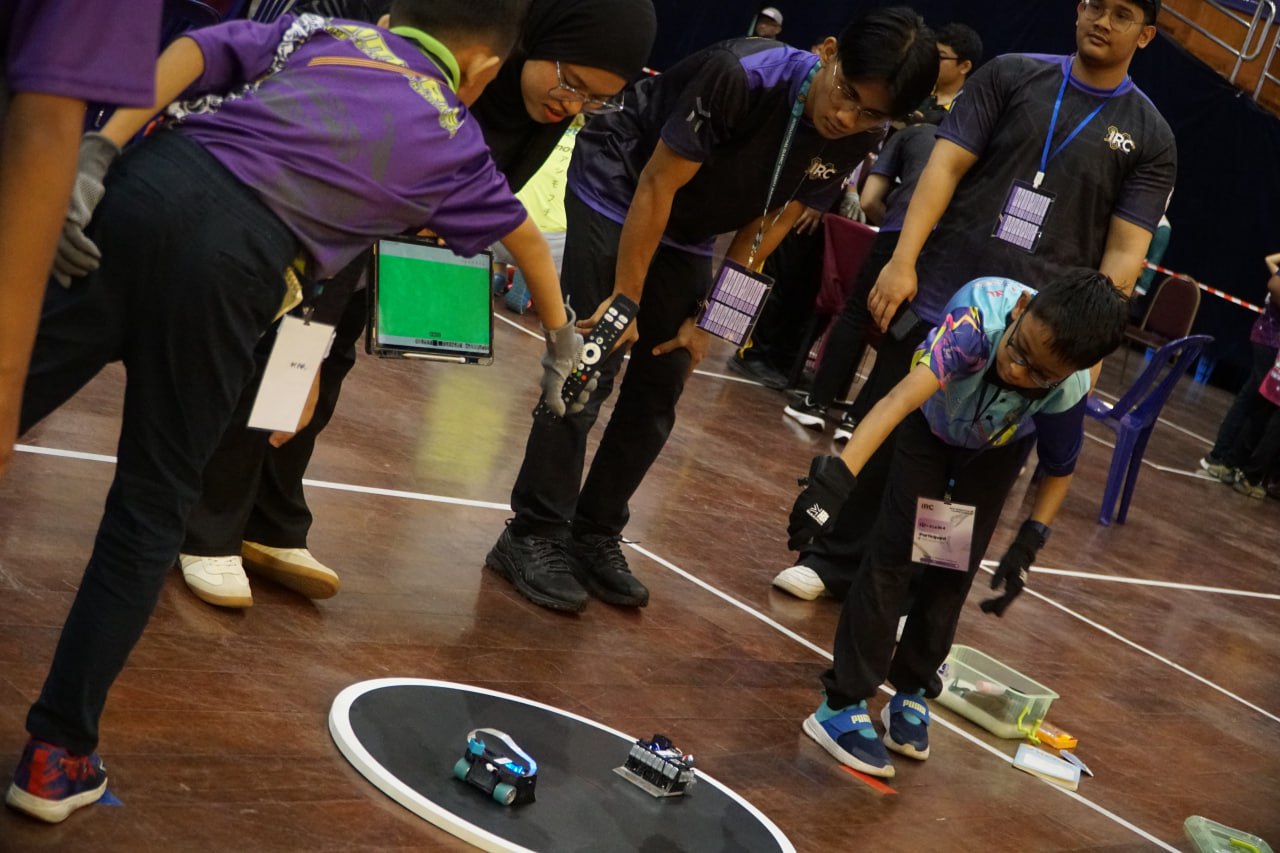
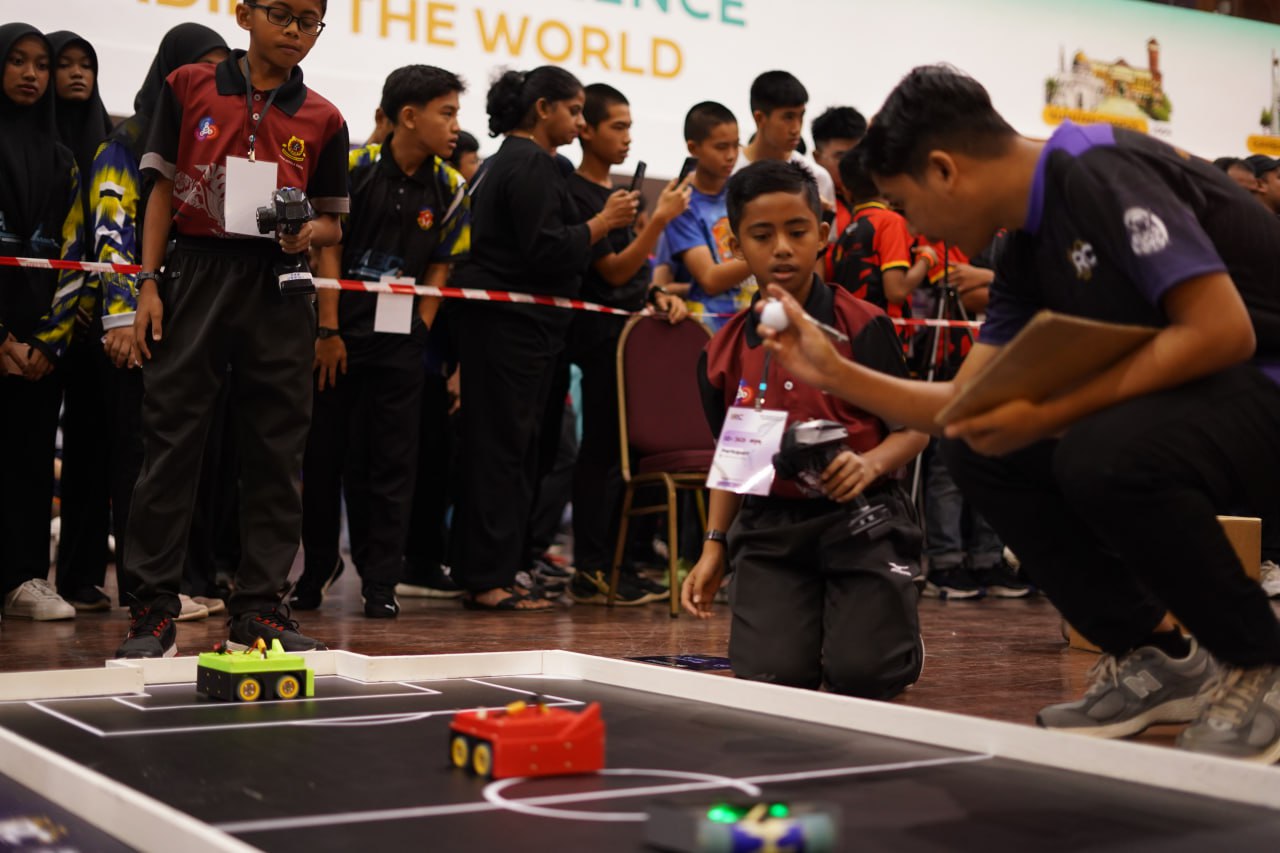
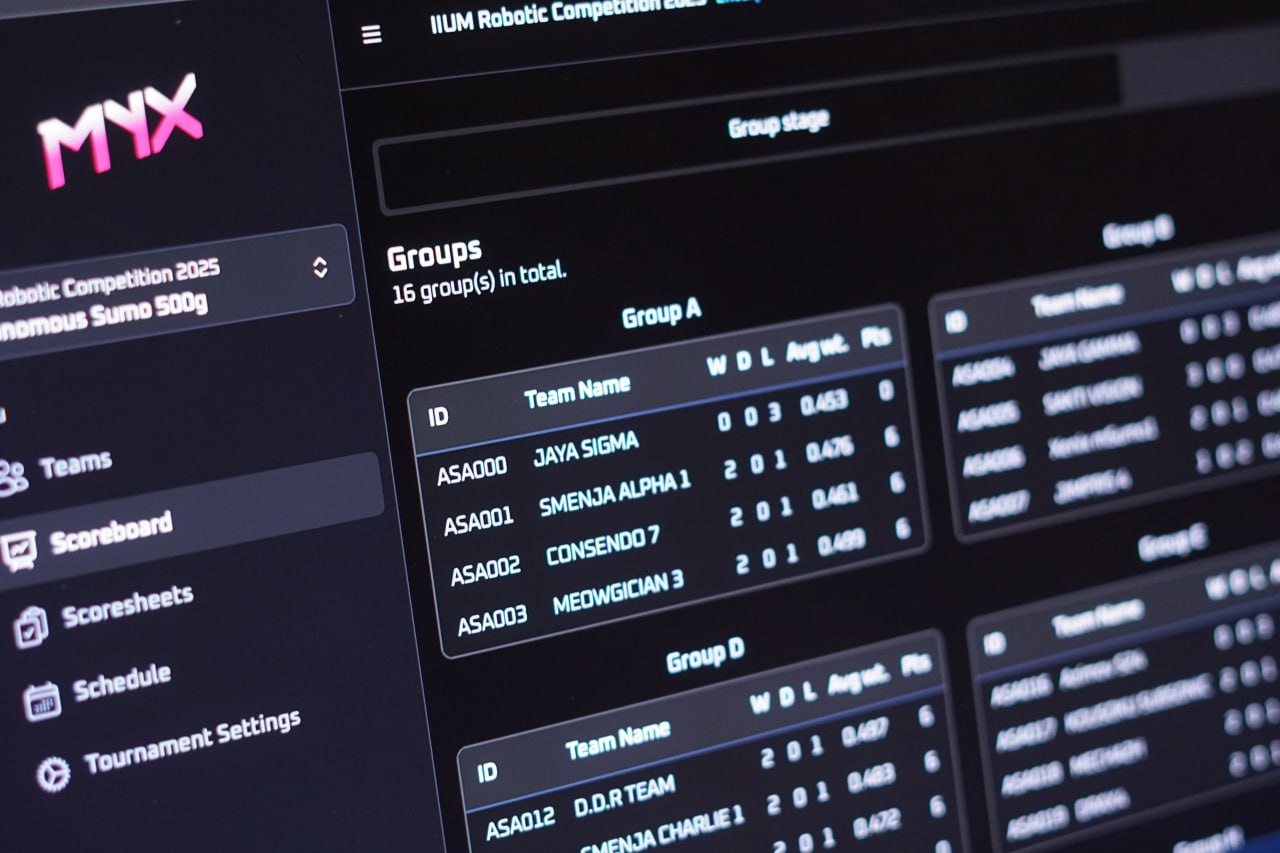
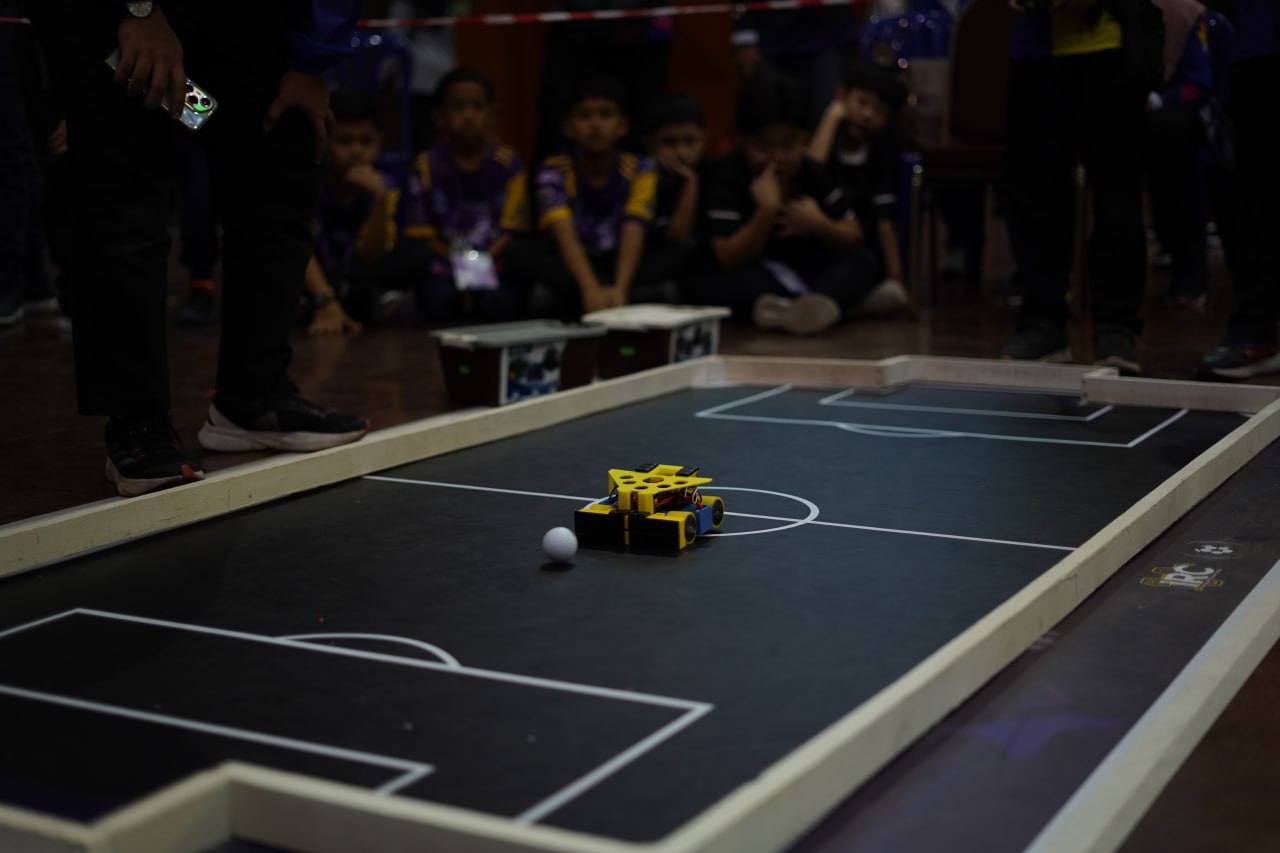
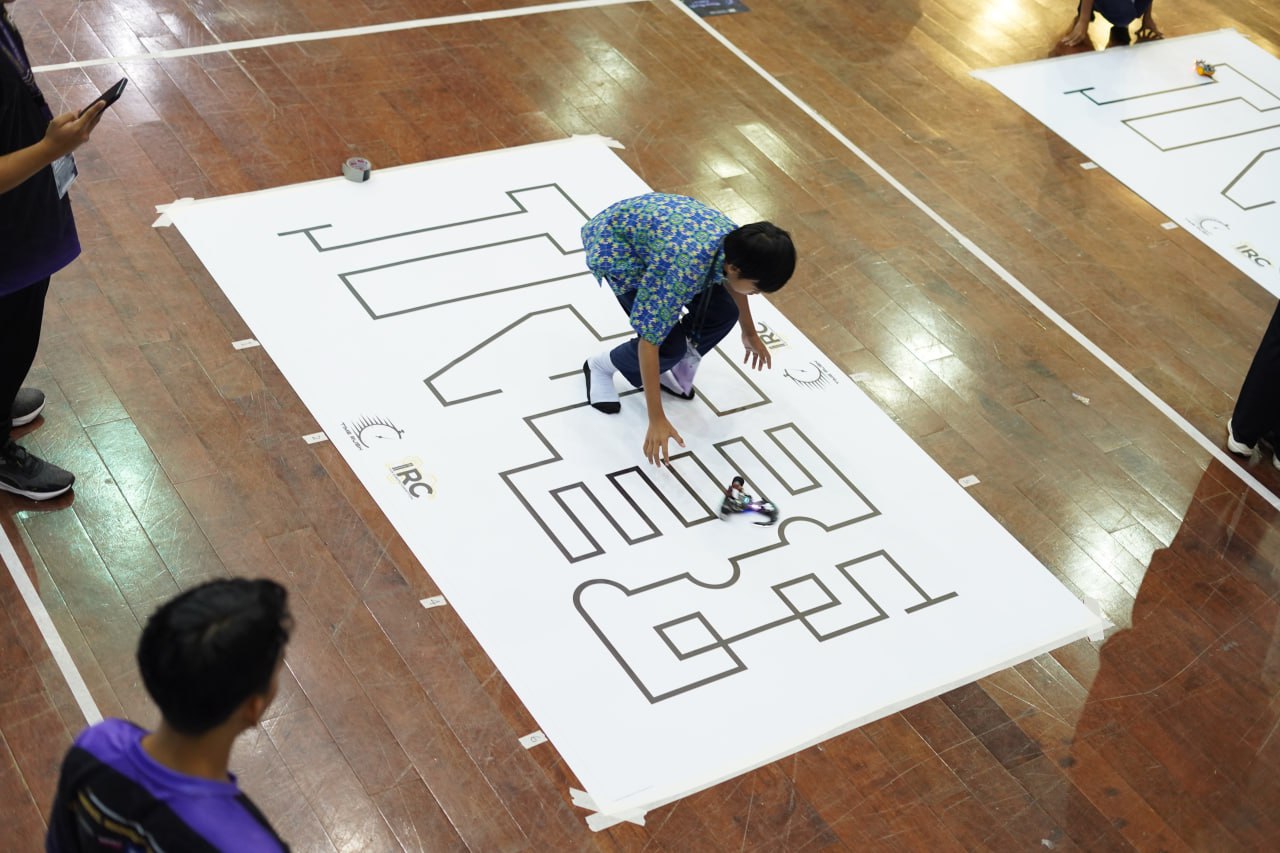
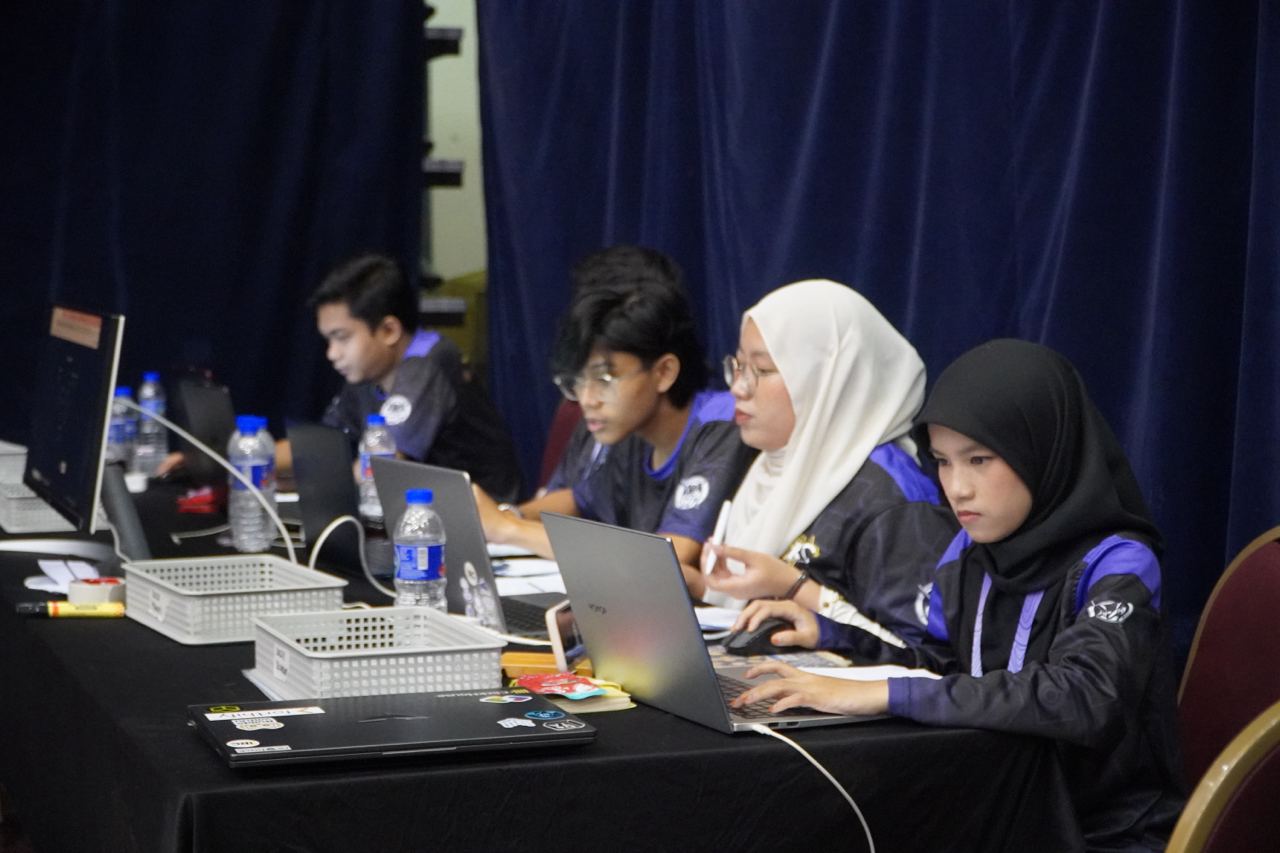
In July 2025, Tournamyx ran the IIUM Robotic Competition, the annual international robotics tournament at IIUM Gombak, where school teams from Malaysia and abroad compete in sumo, robot soccer, and time-rush events. That came to 406 teams across six categories and 755 matches, all scheduled and scored live, with every standing on one public link. A Sunday futsal night is much smaller.
Read how we did it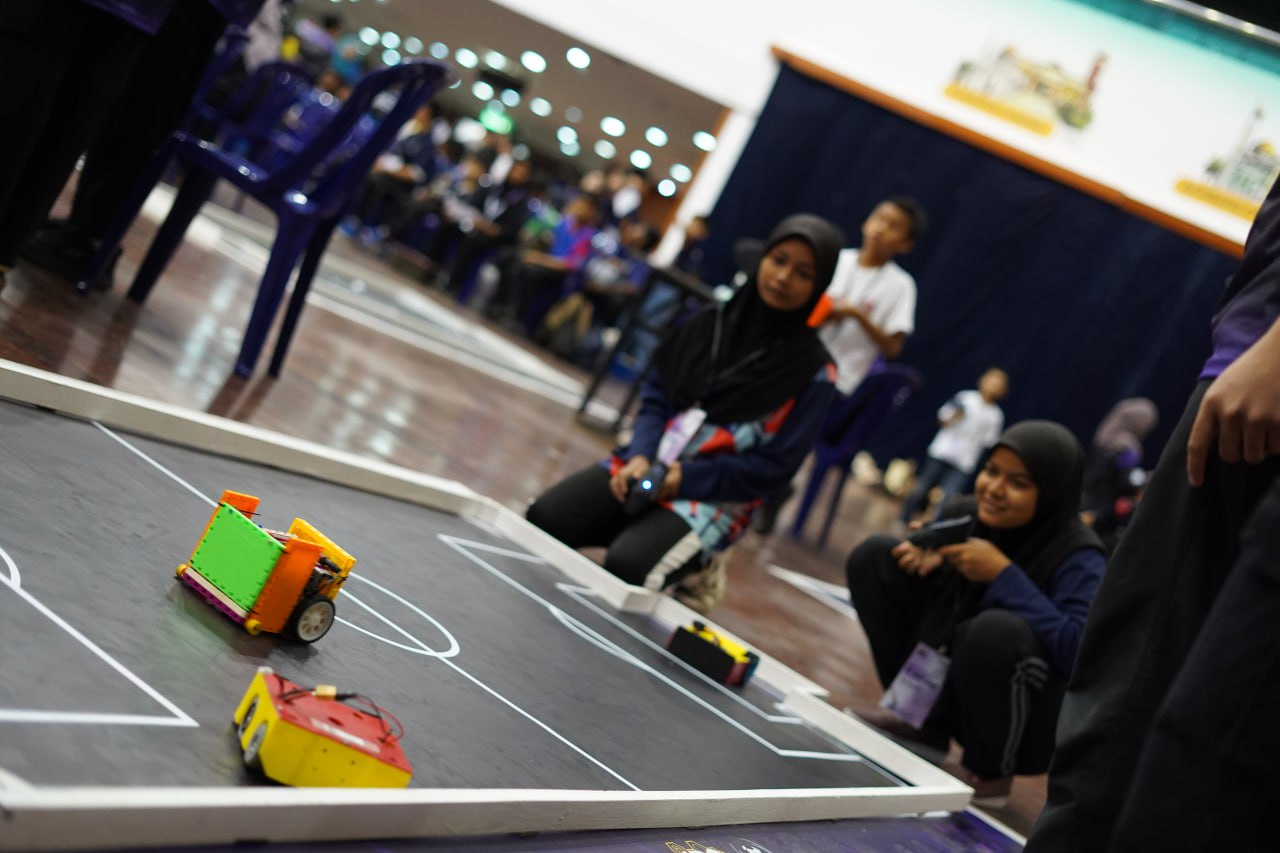
Kickoff
Enter the teams, let Tournamyx lay out the draw, and share one link that stays current for the rest of the day.
Free for up to 8 players · $12 per event beyond that · Nothing to install