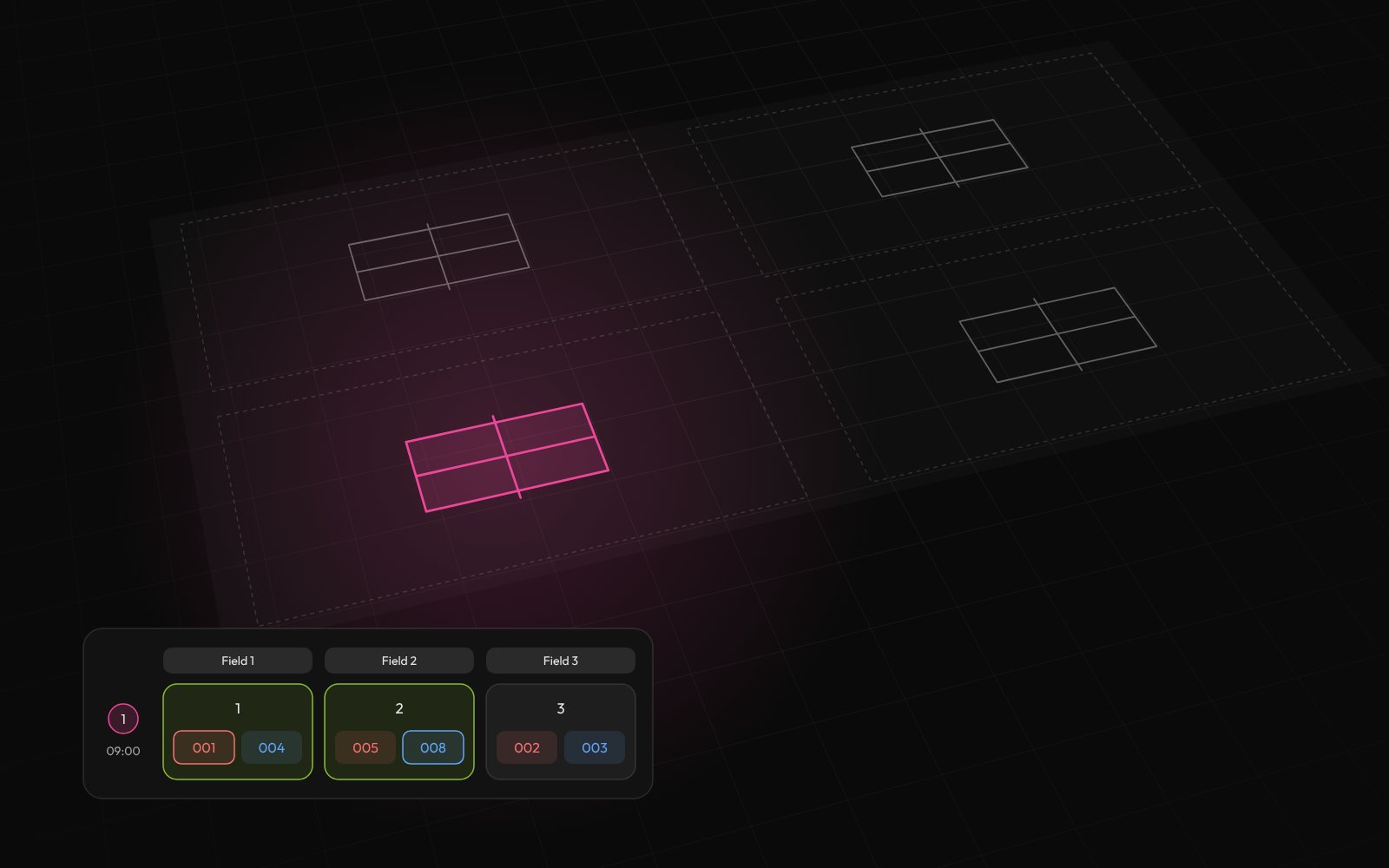
Build the whole schedule
Add your teams, groups and courts. Tournamyx puts every match on a court, one round at a time.
Table tennis is the rare sport where the arithmetic works in your favour: matches are short, tables are plentiful, and a field of thirty-two can play group stages and a knockout inside an afternoon. The limit is the paperwork, not the sport.
Free for up to 8 players · $12 per event beyond that · Nothing to install
For table tennis organizers running group stages into knockouts
We built Tournamyx for table tennis organizers in exactly this situation.
Field guide · table tennis organizers
A best-of-five to eleven takes about twenty-five minutes including the knock-up, and a club hall usually has eight to sixteen tables. That combination is unusual: most sports are constrained by venue time, and table tennis is constrained by almost nothing. It is why the international format, groups of three or four then a straight knockout, is also the right format for a Saturday open.
The maths for thirty-two entries: eight groups of four is six matches per group, forty-eight group matches in total, then the top two from each group make a round of sixteen, which is fifteen more. Sixty-three matches, every player guaranteed three, and on sixteen tables the whole group stage is three rounds of table-time.
The same thirty-two entries as a straight knockout is thirty-one matches and gives half the field one match. When the format that guarantees three games costs you an extra hour and a half, there is no argument to have. Build it on the group stage + knockout generator.
32 entries, 25-minute matches, by table count
| Tables | Group stage | Knockout | Total |
|---|---|---|---|
| 8 | ~2h 30m | ~1h 40m | ~4h 10m |
| 12 | ~2h 30m | ~1h 40m | ~4h 10m |
| 16 | ~1h 15m | ~1h 40m | ~2h 55m |
The group stage runs itself. The knockout runs itself. What does not run itself is the twenty minutes between them, when eight group sheets have to be read, tiebreaks applied, sixteen names copied into a draw and the draw checked before anyone plays. On a busy day that is the single longest gap in the schedule, and it happens with every player standing around watching.
Groups of four in table tennis tie constantly, since three players on two wins each is a normal outcome, so the tiebreak hierarchy is doing real work. Head-to-head resolves a two-way tie and resolves nothing in a three-way one, where it is circular by definition, so you fall through to games ratio and then points ratio. Publish that order with the draw, not at 1pm.
On Tournamyx the stages are chained: group tables recompute on every saved result, the same tiebreak rules apply every time, and the moment the last group match is scored the qualifiers are placed into the knockout automatically. The twenty-minute gap becomes the time it takes to call the first sixteen names.
The other thing that scales badly is result collection. Sixteen tables producing a result every twenty-five minutes is roughly forty results an hour arriving at one desk on paper, each of which has to be transcribed before any table is right. That transcription step is where the errors come from, and they surface at exactly the wrong moment.
Roles on Tournamyx are per tournament, so you can hand score entry to whoever is umpiring or to the players themselves without giving anyone the ability to edit the draw. Results go in from any phone at the table, and the group tables and bracket update everywhere at once.
Everything else follows from that: players check their own next match and table number on a public link that needs no login, rather than crowding the desk. If you want the paper as well, and most halls do, a live event exports print-ready group sheets and blank scoresheets per table as PDFs.
Questions
At 25-minute matches, one table gets through roughly two an hour, so eight tables clear sixteen an hour and a 32-entry group stage moves quickly. Tournamyx lays the schedule a round at a time across the table count you enter, which is what converts that capacity into an order of play.
Groups into a knockout is the standard: eight groups of four is 48 group matches, and the knockout for sixteen qualifiers adds 15, giving 63 in total. Short matches and many tables are why a field this size still fits an afternoon. Tournamyx feeds the group standings into the bracket automatically.
Tournamyx recomputes group tables on every saved result and fills the knockout bracket once every match in a group is complete, so the seeding happens as the last group match finishes rather than during a break. The bracket appears on the same public link players are already checking.
Yes. Tournamyx is free for table tennis tournaments of up to 8 players per tournament, with unlimited tournaments and no credit card. Plus is $19 per month for 64 players and Pro is $49 for 256.
The comparison
Every match day brings the same questions. Answer them one message at a time, or send one link that answers them for you.
What it handles
Tournament management software earns its place on match day, when a team drops out, a match runs late or a score is wrong.
Add your teams, groups and courts. Tournamyx puts every match on a court, one round at a time.
Round robin, knockout, Swiss, groups into knockout, timed attempts.
Points, tiebreakers, draws and who goes through. Every stage can be different.
Case study · IIUMRC, Jul 2025
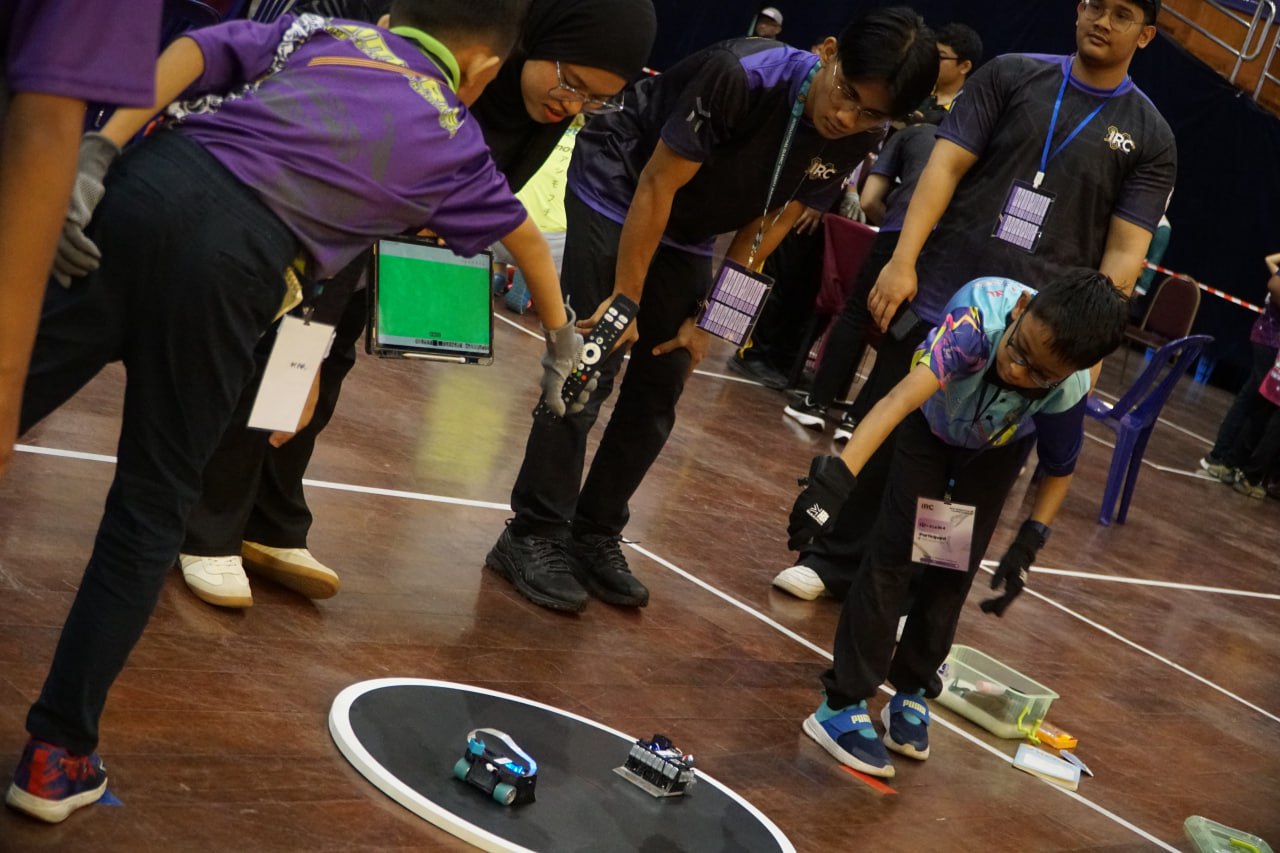
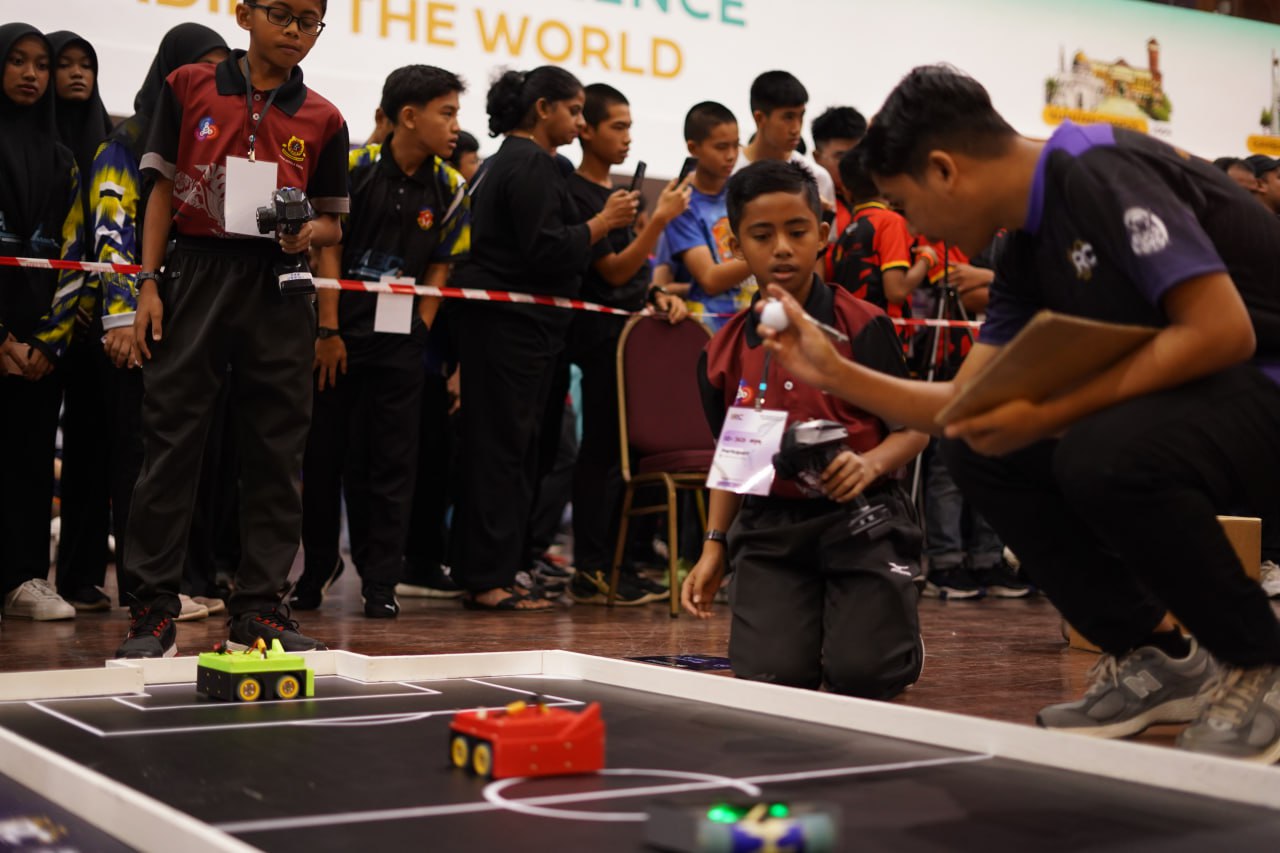
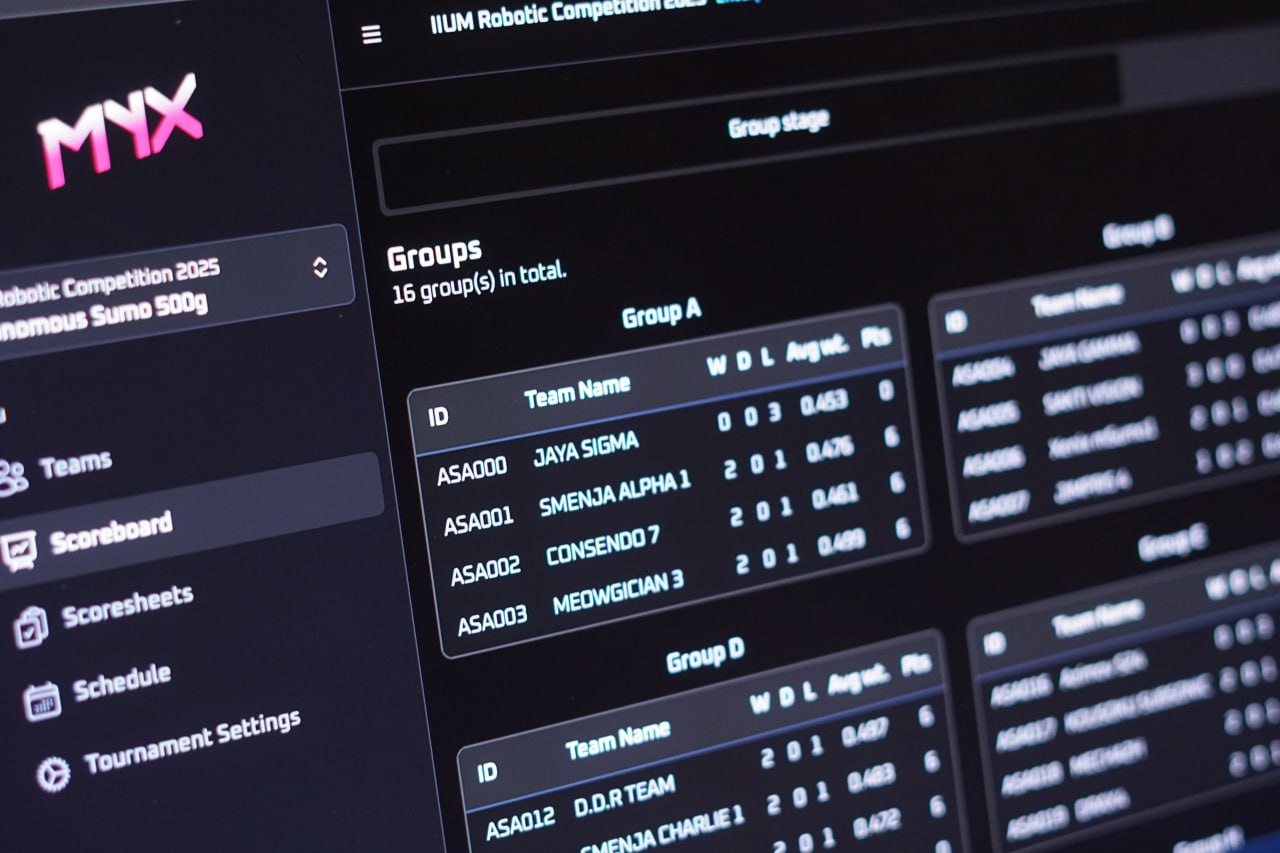
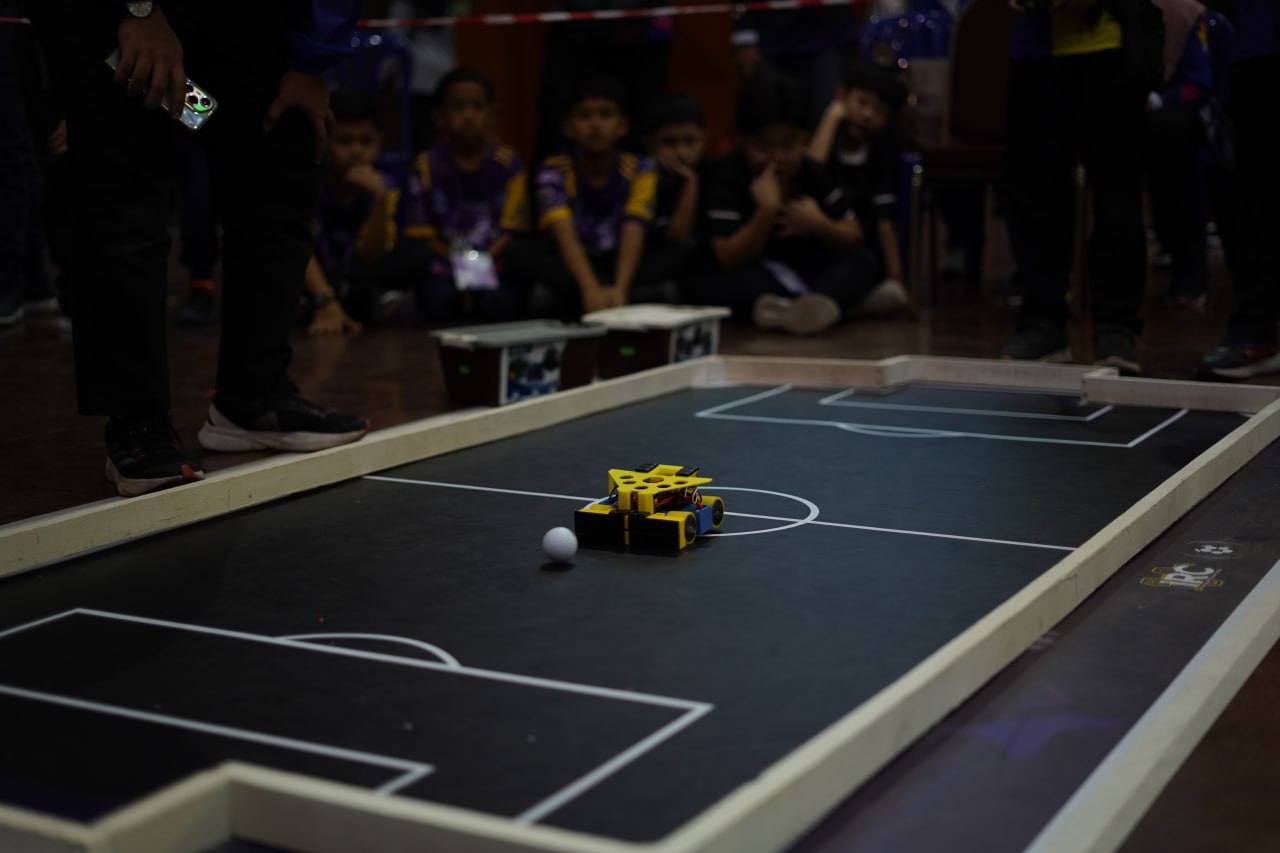
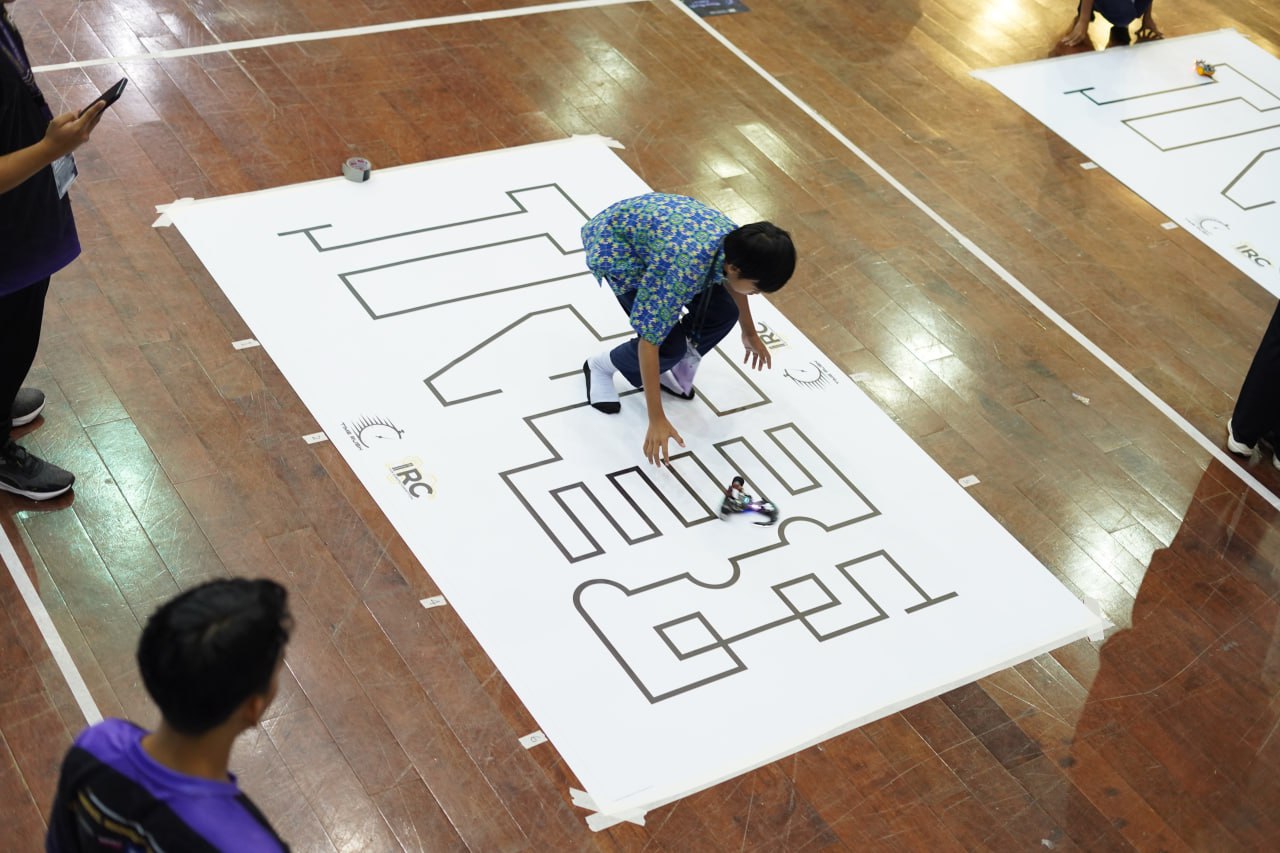
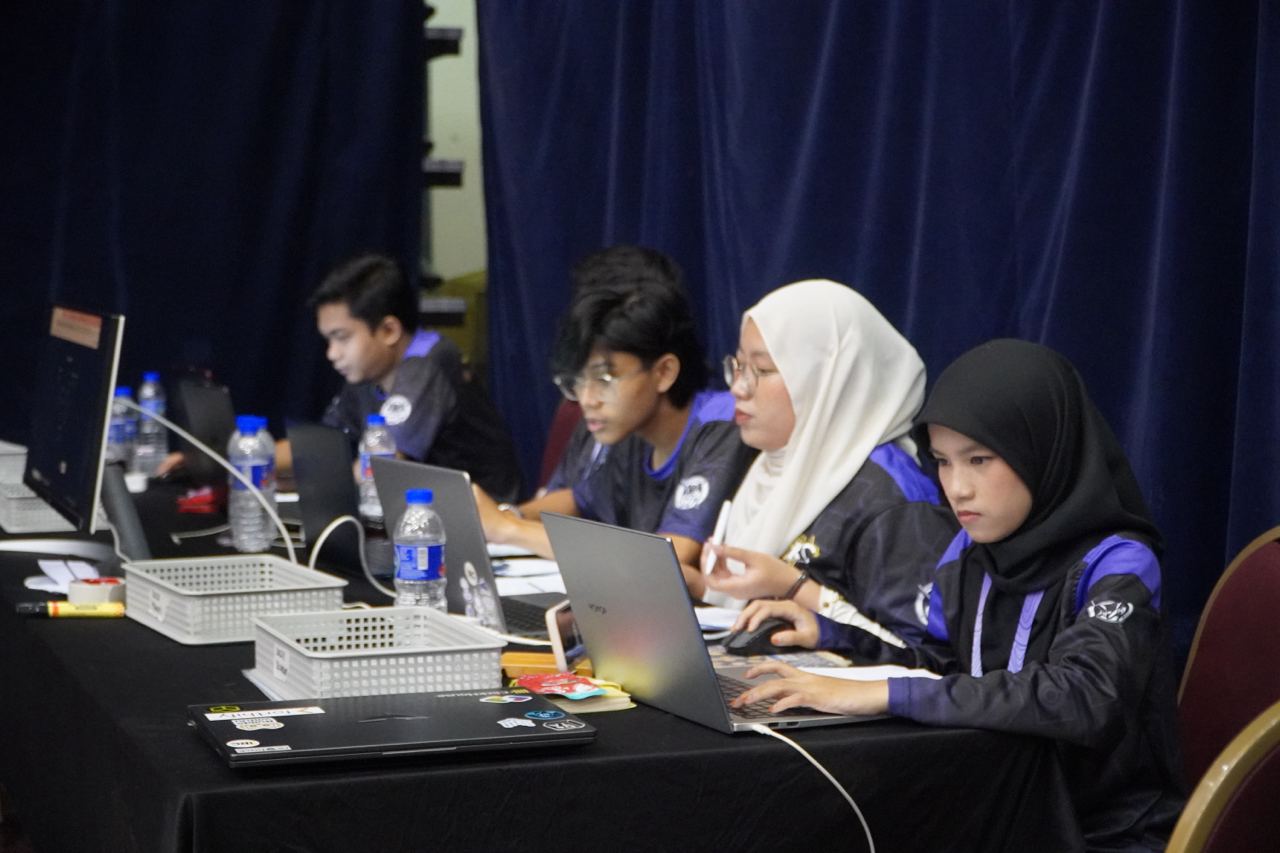
In July 2025, Tournamyx ran the IIUM Robotic Competition, the annual international robotics tournament at IIUM Gombak, where school teams from Malaysia and abroad compete in sumo, robot soccer, and time-rush events. That came to 406 teams across six categories and 755 matches, all scheduled and scored live, with every standing on one public link. A Sunday futsal night is much smaller.
Read how we did it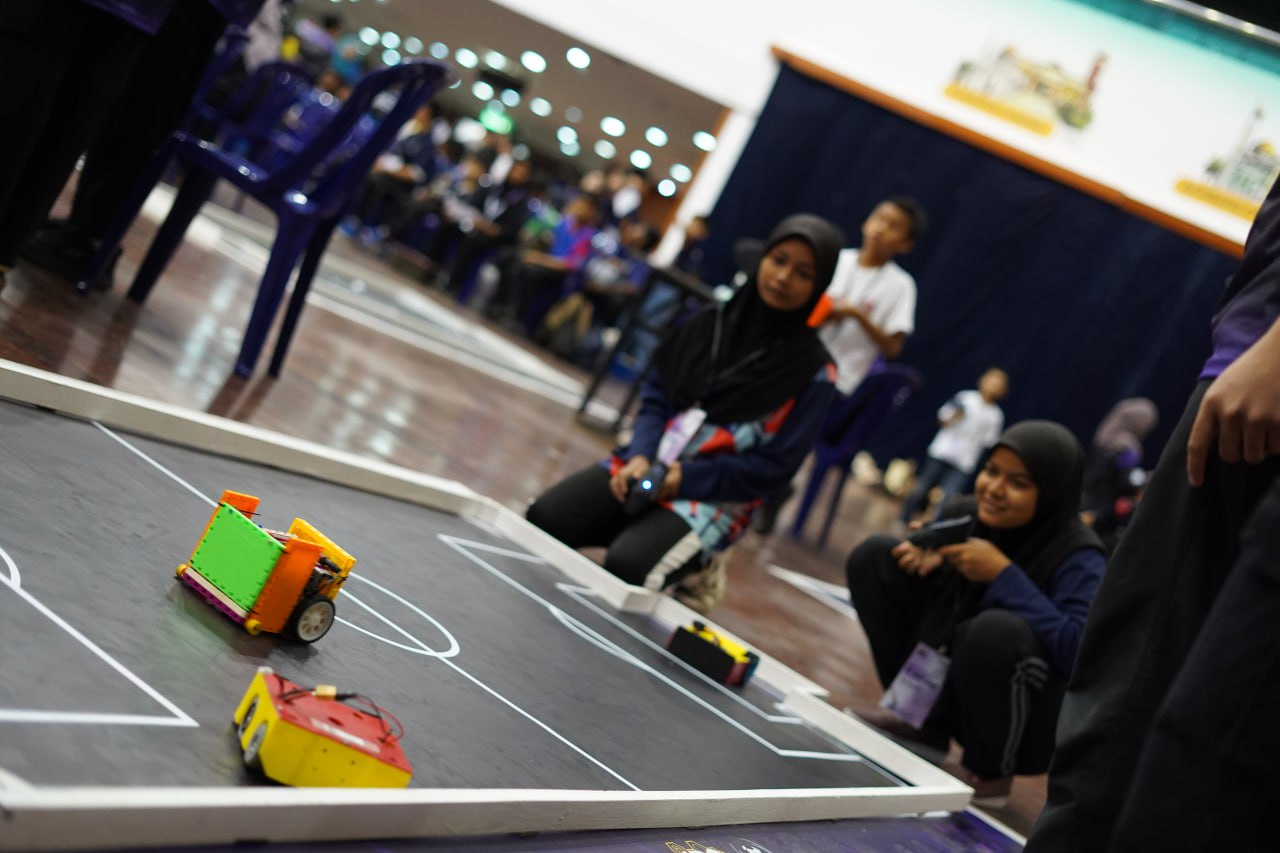
Kickoff
Enter the teams, let Tournamyx lay out the draw, and share one link that stays current for the rest of the day.
Free for up to 8 players · $12 per event beyond that · Nothing to install