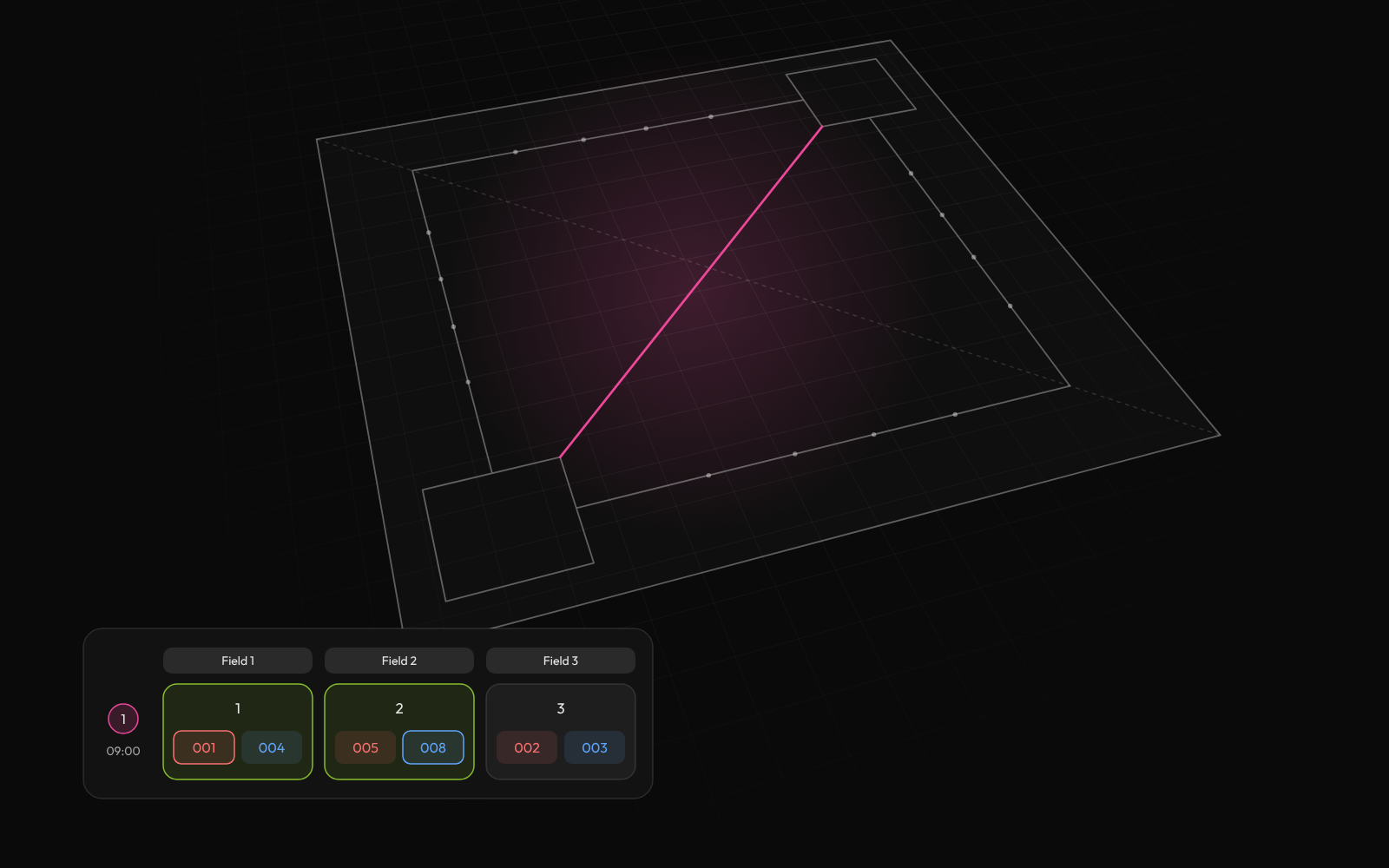
Build the whole schedule
Add your teams, groups and courts. Tournamyx puts every match on a court, one round at a time.
MLBB fields scale in a way physical sport never does, because a Discord post can produce 128 registrations overnight. Tournamyx handles the bracket, the live results and one spectator link, without the screenshot-of-a-screenshot bracket update.
Free for up to 8 players · $12 per event beyond that · Nothing to install
For Mobile Legends organizers running open qualifiers and campus cups
We built Tournamyx for mobile legends organizers in exactly this situation.
Field guide · mobile legends organizers
MLBB removes the constraint that shapes every physical tournament: lobbies run in parallel and there is no court count. Thirty-two first-round matches can all start at once, so a round takes as long as one match rather than as long as your venue allows. That is why open qualifiers reach field sizes physical sport never sees.
A single game runs fifteen to twenty minutes, so a best-of-one round is about twenty-five minutes with drafting and lobby setup, a best-of-three is around an hour, and a best-of-five is closer to an hour and three quarters. Sixty-four teams as a best-of-one knockout is sixty-three matches over six rounds, or roughly two and a half hours of actual competition if every round starts on time, which is the real reason qualifiers use Bo1 and playoffs use Bo3.
What replaces the court constraint is attention: casters, streams and the patience of teams waiting for their next lobby. A field of 128 is 127 matches over seven rounds, and the binding limit is how long people will stay in a Discord voice channel, not how many games can run at once.
Field size at best-of-one, all lobbies in parallel
| Teams | Matches | Rounds | Rough duration |
|---|---|---|---|
| 16 | 15 | 4 | ~1h 40m |
| 32 | 31 | 5 | ~2h 5m |
| 64 | 63 | 6 | ~2h 30m |
| 128 | 127 | 7 | ~2h 55m |
Most serious MLBB events, from the M-series to MPL playoffs and the campus tournaments modelled on them, run double elimination, and Tournamyx runs it live. Brackets of 4, 8, 16, 32 or 64 teams, upper and lower brackets drawn in full, byes placed automatically, and the grand final set to a bracket reset or a single winner-takes-all match before anyone queues up. Save a result and the loser drops into the lower bracket without an admin redrawing anything.
The bracket-reset setting is the one to decide early. A lower-bracket team arriving at the grand final already carries a series loss, so beating the upper-bracket team levels the tie rather than settling it. The reset is the second series that decides it, and it is what the majors play. Choose it at generation time and publish which one you are using; a team that came up through the lower bracket and is told the rules at 9pm will not accept it. The free MLBB bracket generator draws the upper and lower bracket in your browser first, with run times for lobbies that run in parallel, if you want to see the match count before committing.
For open qualifiers ahead of the playoff bracket, Swiss is still the better first stage: teams are paired against others on the same record each round, nobody is eliminated early, and a sixty-four team field is ranked in six rounds of thirty-two matches. A Swiss or group stage feeding a double elimination playoff is exactly the shape a major uses, and it runs as one multi-stage event.
The usual problem at a community MLBB tournament is how the bracket gets shared. An admin updates a spreadsheet, screenshots it, posts it in Discord, and within an hour four different versions of the bracket are circulating with no way to tell which is current. Every team asks in general chat, and the same admin answers.
Every Tournamyx event publishes one public URL that needs no login and no install. Teams check their own next match on it, spectators follow the bracket, casters take the current state from it, and a result entered by an admin updates it for everyone at once. The screenshot loop disappears entirely.
Roles are per tournament, so several admins can report results from different parts of the bracket without any of them being able to redraw it. Events up to 8 teams are free with no limit on how many you run, which is enough for a weekly campus cup, and larger qualifiers use a paid plan. For running the event itself, how to run an esports tournament covers registration, check-in and no-show policy in order.
Questions
Lobbies run in parallel, so there is no court constraint. The limit is how many rounds you can play. A 128-team single-elimination bracket is 127 matches over 7 rounds, and every match in a round can run at once. Tournamyx generates the bracket and advances winners as results are saved.
Yes. Tournamyx runs double elimination at 4, 8, 16, 32 or 64 entrants with a winners bracket, a losers bracket, automatic byes and a grand final set to bracket reset or a single decider. That is the format MLBB majors use, and results advance live as they are entered.
Tournamyx builds the draw seeded deliberately, randomised in one click, or fed from a previous stage's standings, and places byes automatically on the top seeds when the entry count is not a power of two. A qualifier stage can feed a knockout bracket as a multi-stage event.
Nothing. Every Tournamyx tournament publishes one public link showing the live bracket, schedule and results, opening in any browser with no account and no download. That link replaces the bracket screenshot that goes out of date the moment the next match is decided.
The comparison
Every match day brings the same questions. Answer them one message at a time, or send one link that answers them for you.
What it handles
Tournament management software earns its place on match day, when a team drops out, a match runs late or a score is wrong.
Add your teams, groups and courts. Tournamyx puts every match on a court, one round at a time.
Round robin, knockout, Swiss, groups into knockout, timed attempts.
Points, tiebreakers, draws and who goes through. Every stage can be different.
Case study · IIUMRC, Jul 2025
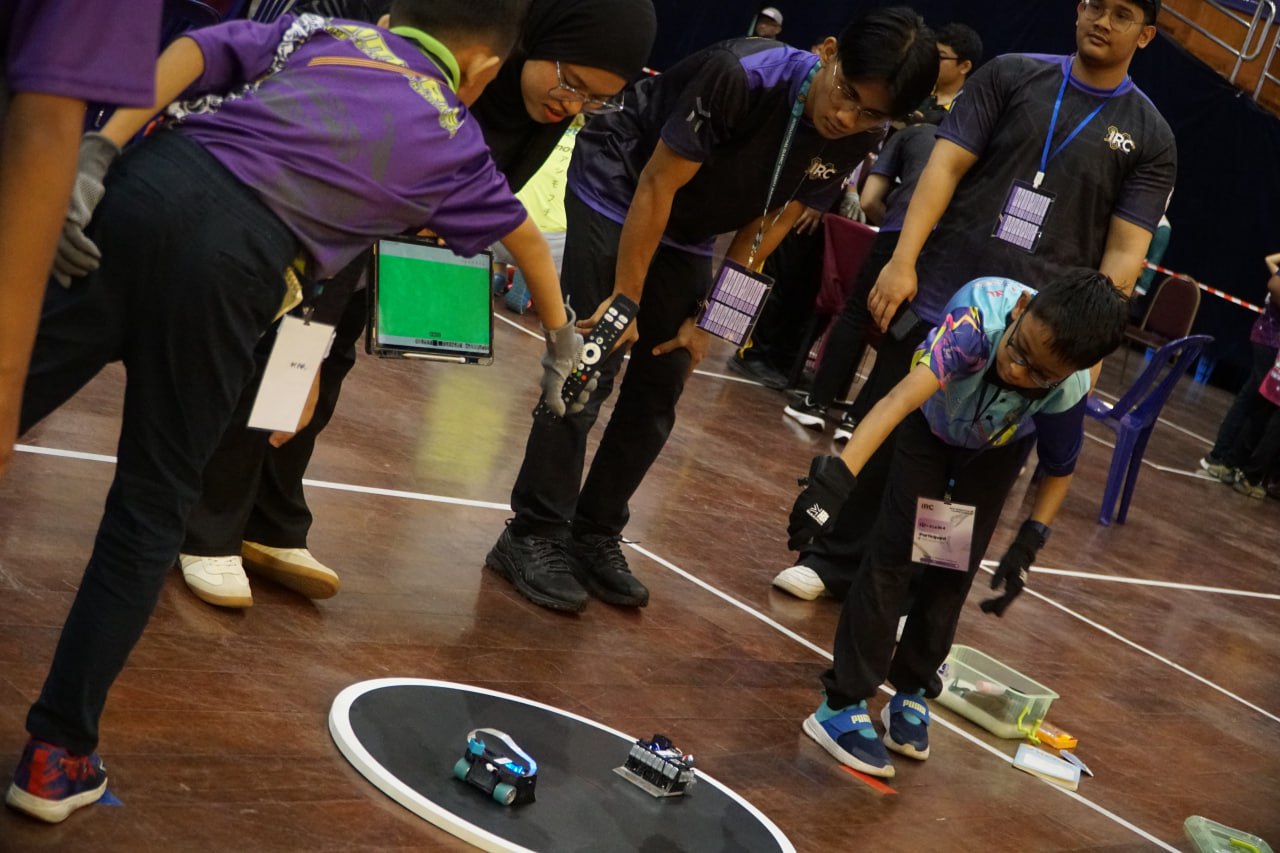
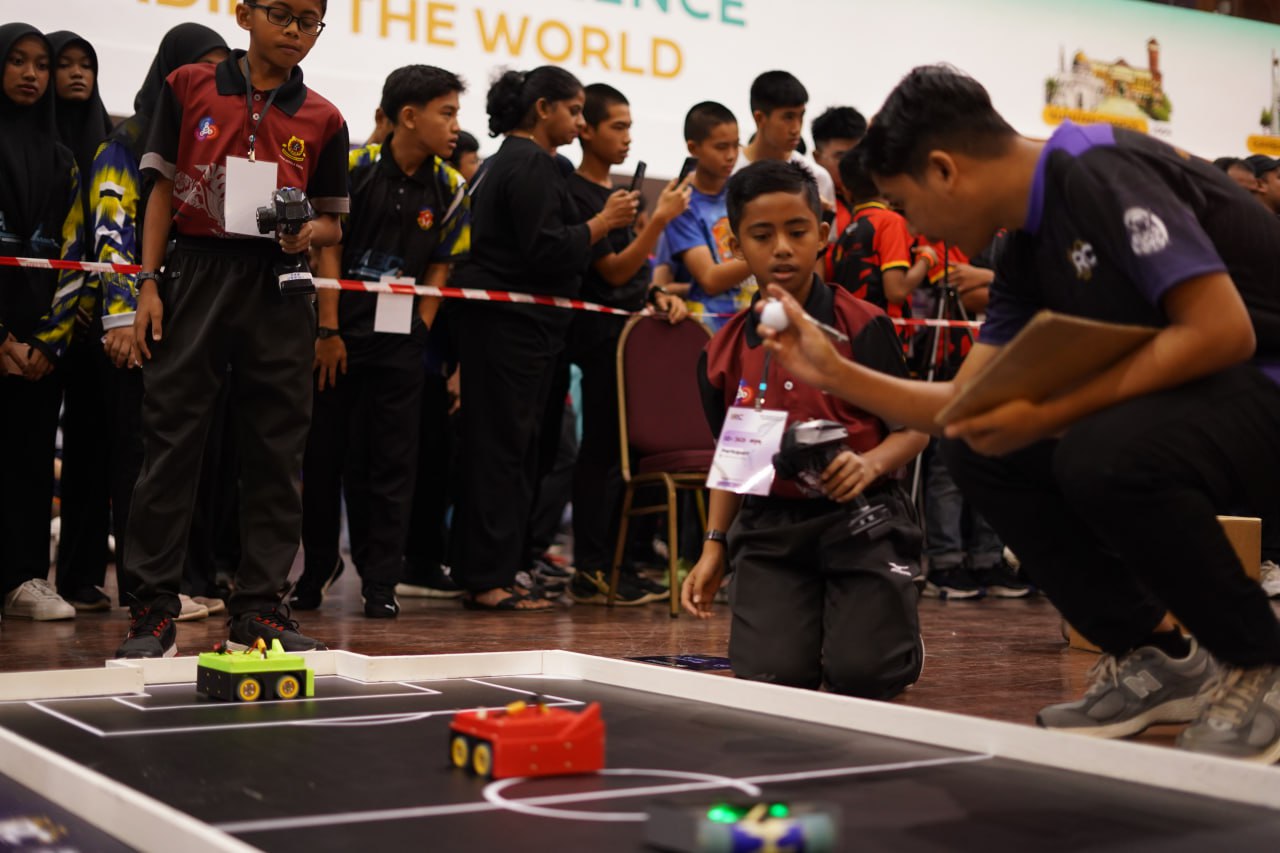
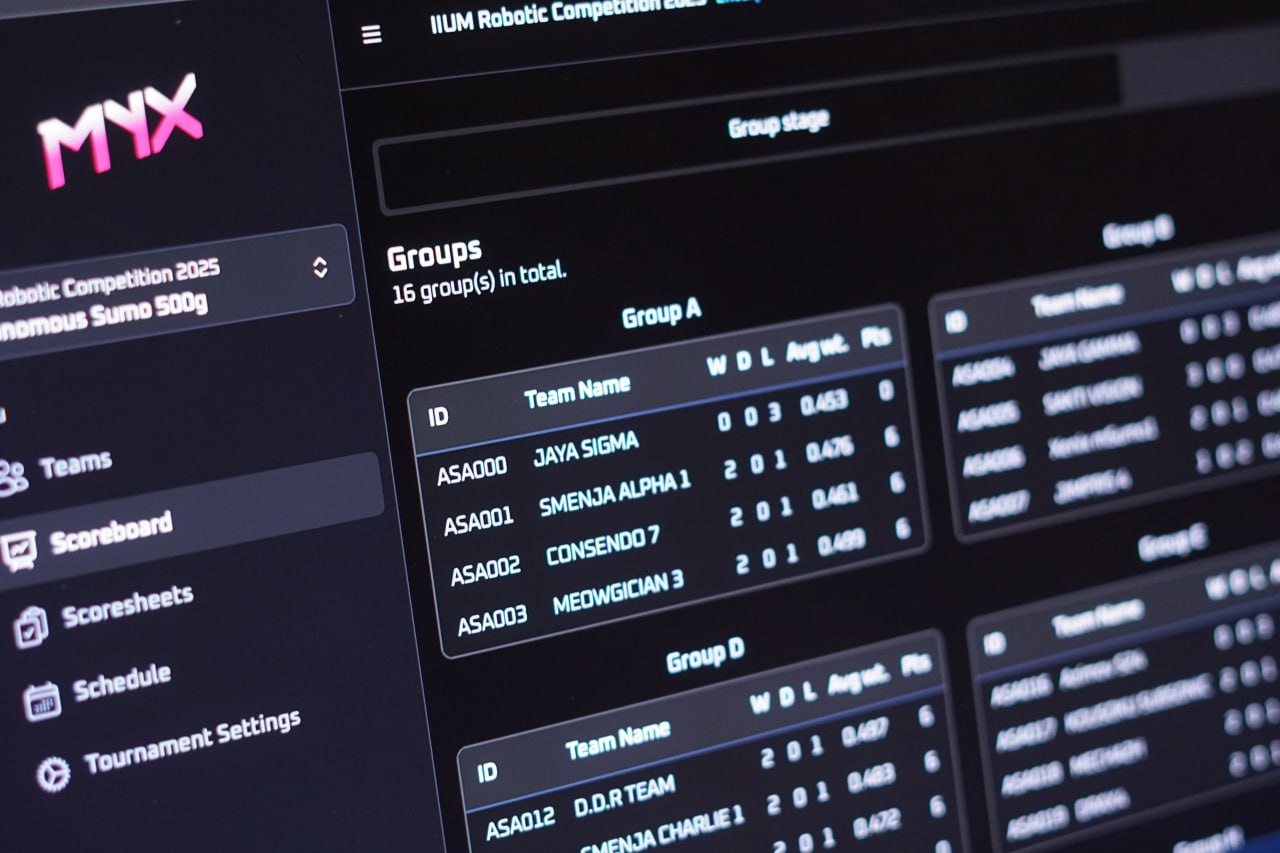
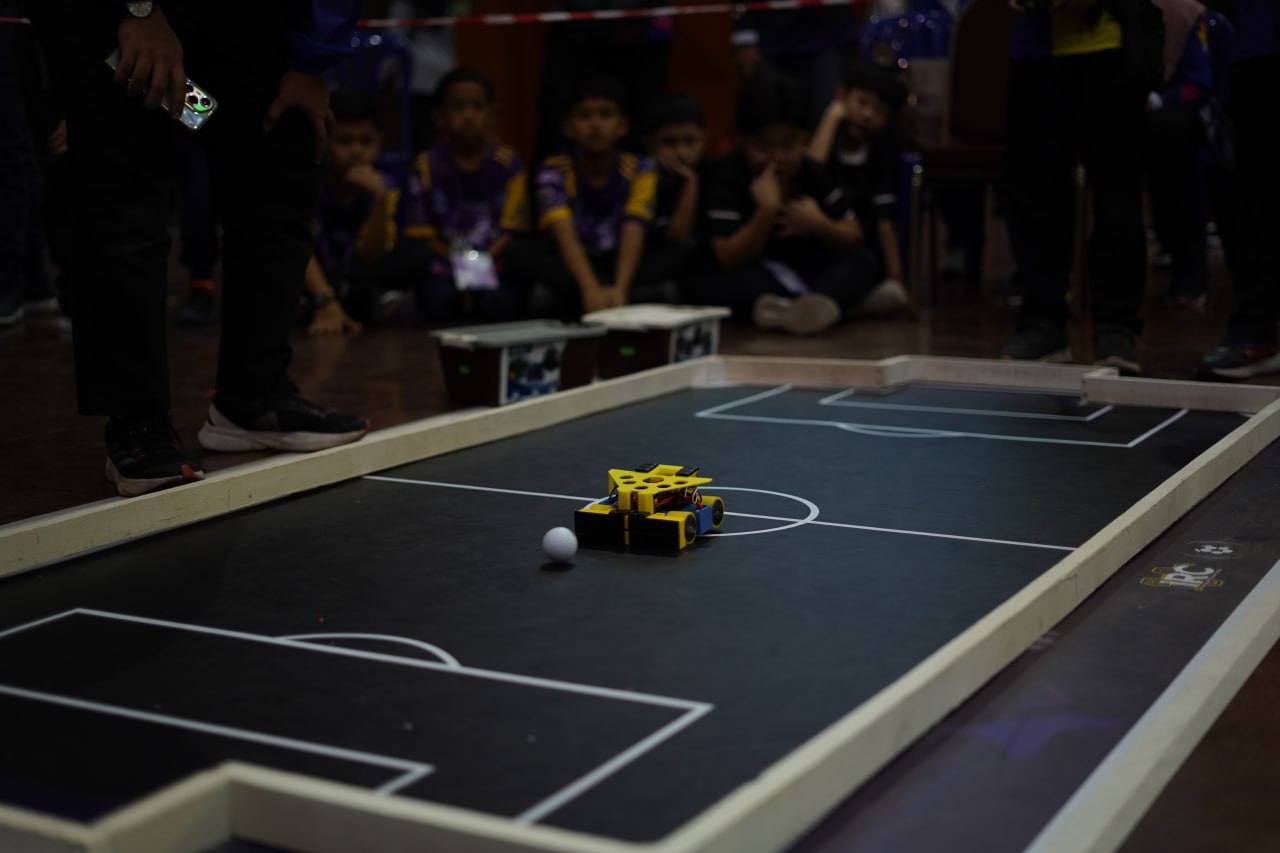
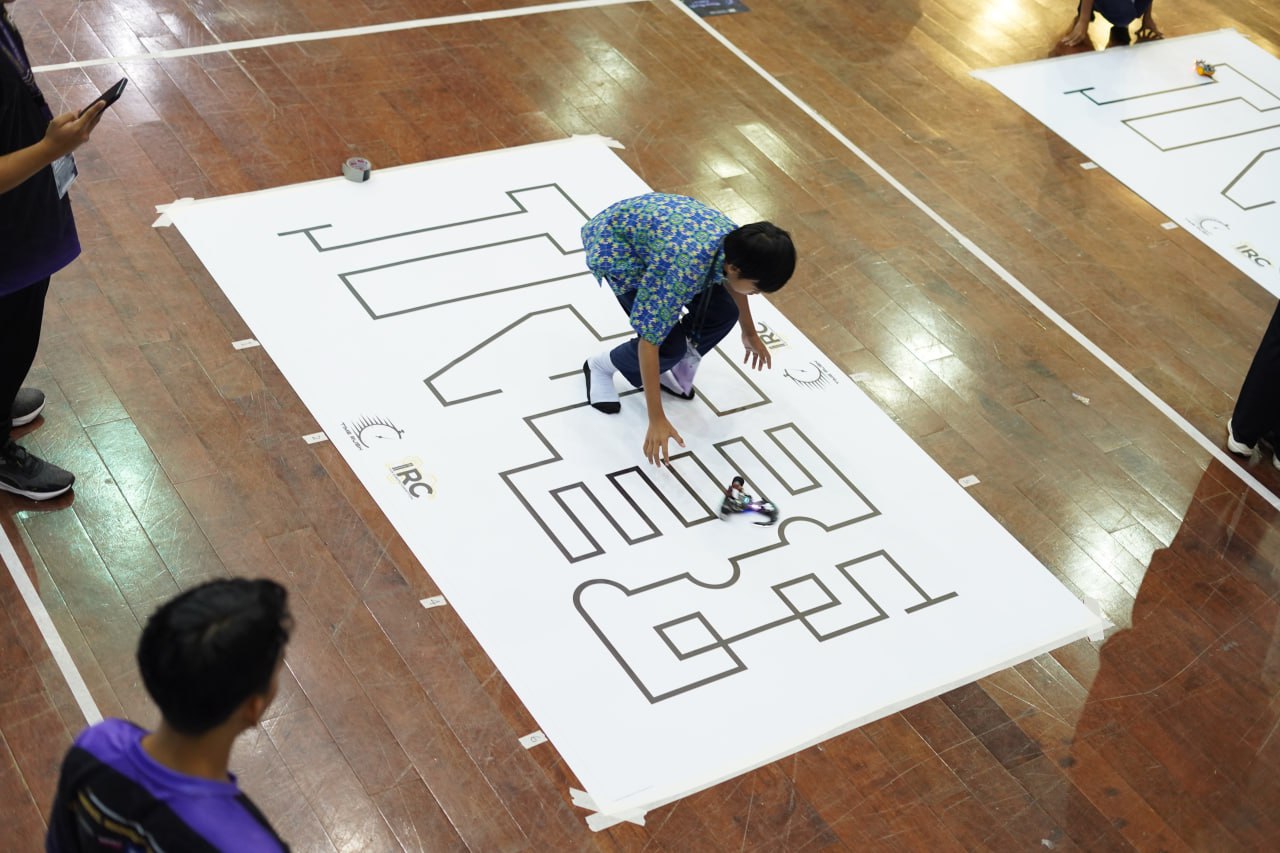
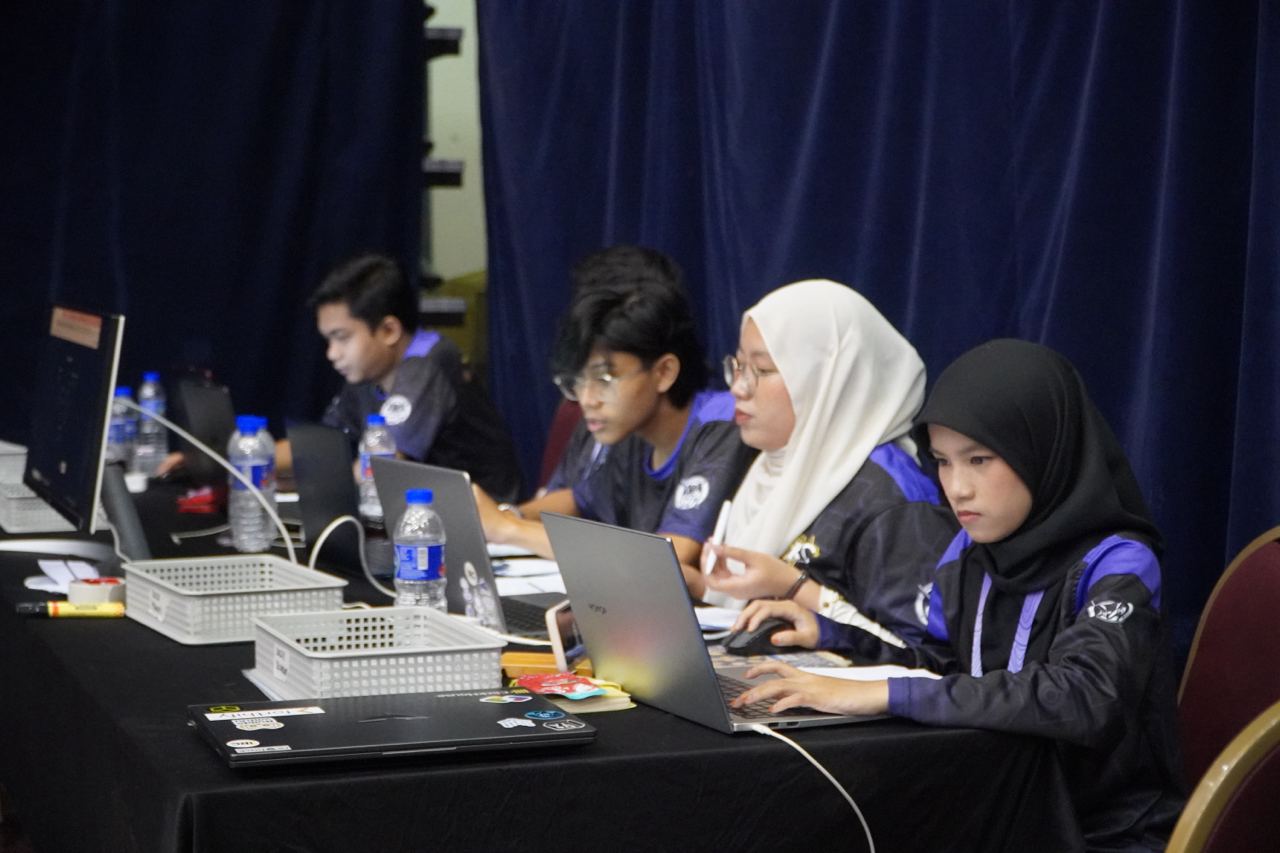
In July 2025, Tournamyx ran the IIUM Robotic Competition, the annual international robotics tournament at IIUM Gombak, where school teams from Malaysia and abroad compete in sumo, robot soccer, and time-rush events. That came to 406 teams across six categories and 755 matches, all scheduled and scored live, with every standing on one public link. A Sunday futsal night is much smaller.
Read how we did it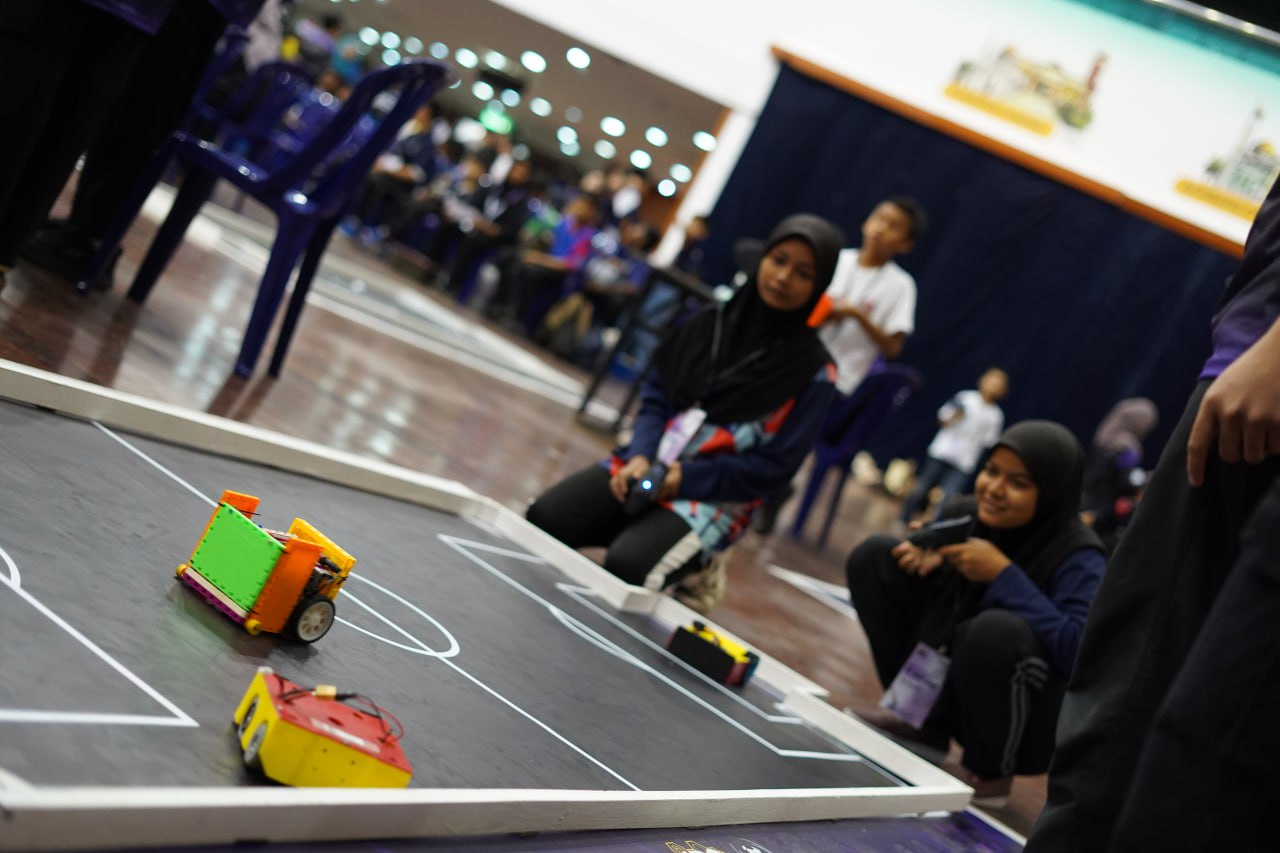
Kickoff
Enter the teams, let Tournamyx lay out the draw, and share one link that stays current for the rest of the day.
Free for up to 8 players · $12 per event beyond that · Nothing to install